 ZAR
 KES - Kenya
 UGX - Uganda
 TZS - Tanzania
 RWF - Rwanda
 NGN - Nigeria
 USD - Zimbabwe
 GHS - Ghana
 ETB - Ethiopia
 ZMW - Zambia
 USD - International

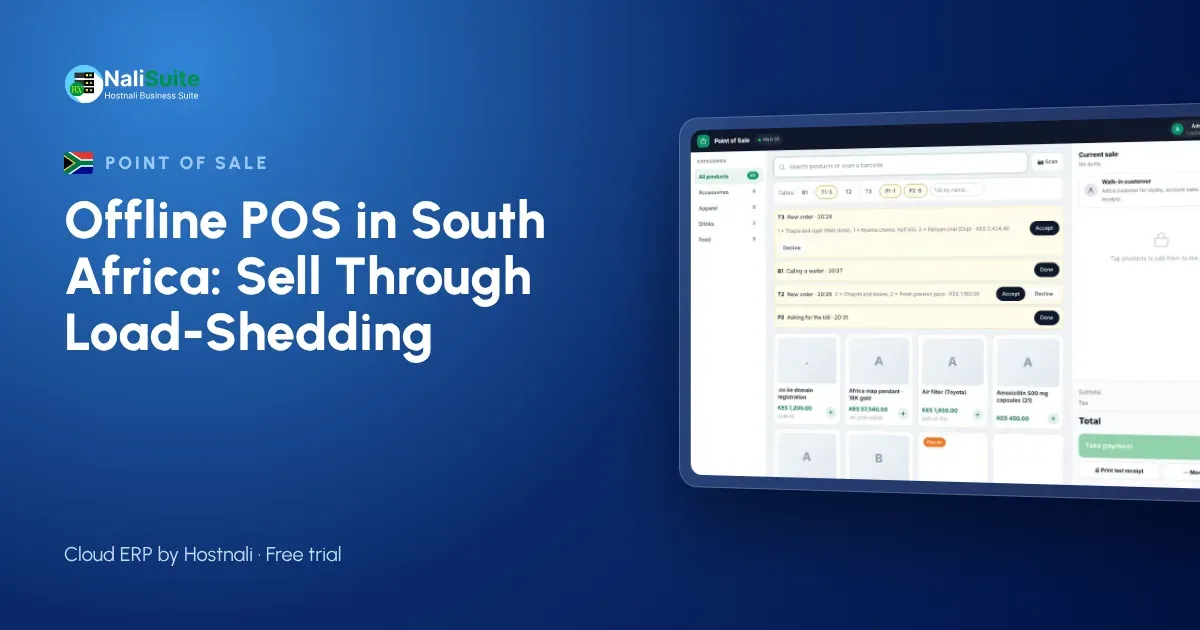
Load-shedding taught South African retailers a hard lesson: when the power goes, everything that depends on it goes too, including the router and often the card machine. Even in calmer months, fibre and mobile networks have bad days. An offline-capable point of sale lets the counter keep working while the rest of the building waits for Eskom or the ISP.
Payments at the till
Offline mode keeps the till selling, but each payment method behaves differently without a connection. Cash is simple. Card machines need their own power and network, so choose one with a battery and its own SIM if outages are common. Mobile and online payments need a confirmation from the provider, so make it a rule to check the confirmation message before goods leave the counter, and let the till match the payment once it is online.
Whatever the method, the till should record it on the sale. That is what turns the end-of-day cash-up into a five-minute job.
Read more about card and online payments at the till on our payments page.
Trading through outages in South Africa
Many shops have invested in inverters, batteries or solar, but the router and the till are only as reliable as their weakest link. Mobile data backup helps, until the nearby tower runs out of battery as well.
Customers here expect to tap a card. A till that keeps selling offline still needs a plan for cards: either a card machine with its own battery and SIM, or clear rules for when you take cash only. The till itself should never be the reason the queue stops.
Why stock and sales must share one system
The biggest hidden cost of a till that stops is not the lost sale but the unrecorded one. Goods leave the shelf, the notebook gets lost, and next week’s order is wrong. When the till and inventory are one system, every sale (online or offline) takes stock out of the right location, and reorder reports stay honest.
If you run several shops, stock transfers and per-branch levels show you where to move goods before you buy more.
Example: a hardware store in Polokwane
A hardware store in Polokwane runs two tills on a small inverter. During a stage of load-shedding the router stays up for an hour and then drops. The tills carry on in offline mode: the cashiers scan screws, paint and cement, take cash and card on a battery-powered card machine, and print slips on thermal printers. When the power returns, every sale syncs to the back office in order, and the stock levels for the branch are right before the evening delivery is booked in.
The manager checks the end-of-day report the same way as any other day, because the till never lost a sale.
From unboxing to first sale
- Add your products or import them from a spreadsheet, with prices, barcodes and opening stock.
- Open the point of sale on the device you will use and download the product list.
- Connect a thermal printer and a barcode scanner, or use the phone camera to scan.
- Open a till session with a cash float and make a test sale.
- Switch the internet off, sell again, switch it back on and watch the sale sync.
That last test is the one that matters. Do it before your first busy day.
Receipts by print, SMS or WhatsApp
A till should print on standard ESC/POS thermal printers, which are cheap and easy to replace. Many customers now prefer a receipt by SMS or WhatsApp that they cannot lose. While offline, a printed receipt works immediately; messages are sent as soon as the device has signal again.
Digital receipts also give you something valuable: the customer’s number, which you can use for loyalty points and offers if they agree.
Planning around the power schedule
Check your area’s power schedule each week and make sure the till device, router and card machine are charged before each slot. A small UPS for the router and modem often buys enough time for the mobile network to take over.
For slips, standard 80 mm thermal printers are widely available and cheap to replace. If customers ask for VAT invoices, make sure your business details and VAT number print on the slip. For multi-store owners, give each store its own till and stock location, so a power cut in one area never affects the records of another.
Frequently asked questions
Does an offline till help with load-shedding schedules?
It removes the till from the problem. As long as the device itself has battery, sales continue; plan power for the card machine and printer too.
How long can the till stay offline?
As long as the device has power. Sales are stored on the device and upload in order when it reconnects, so keep the device charged during long outages.
Are refunds possible offline?
Yes. Refunds and exchanges are recorded on the device and synced with the rest of the day’s sales.
Try NaliSuite
Want to see a till that keeps selling? The NaliSuite offline POS comes with every plan from R 38 a month, alongside inventory and accounting. Start with a free trial.